
audio.storeNoise-cancelling headphones
9,99012,990
 SendCart
Price tracker and wishlist
Save a product you have already chosen and set the price you are willing to pay. SendCart tracks the price and tells you when it drops or reaches your target.
What SendCart does
Save the product, set the price you want, and let SendCart do the checking.
Share a product link or screenshot. The product, price, store, note, and link stay on one card instead of in ten tabs.
Every price check stays next to the product. You get a push when the price drops or reaches your target — which drop matters is yours to decide, and that is your target price.
Family or a partner see the same list and decide together what to buy now and what can wait.
Inside SendCart
Share a product, confirm the details, set your price — and stop reopening the page every day.
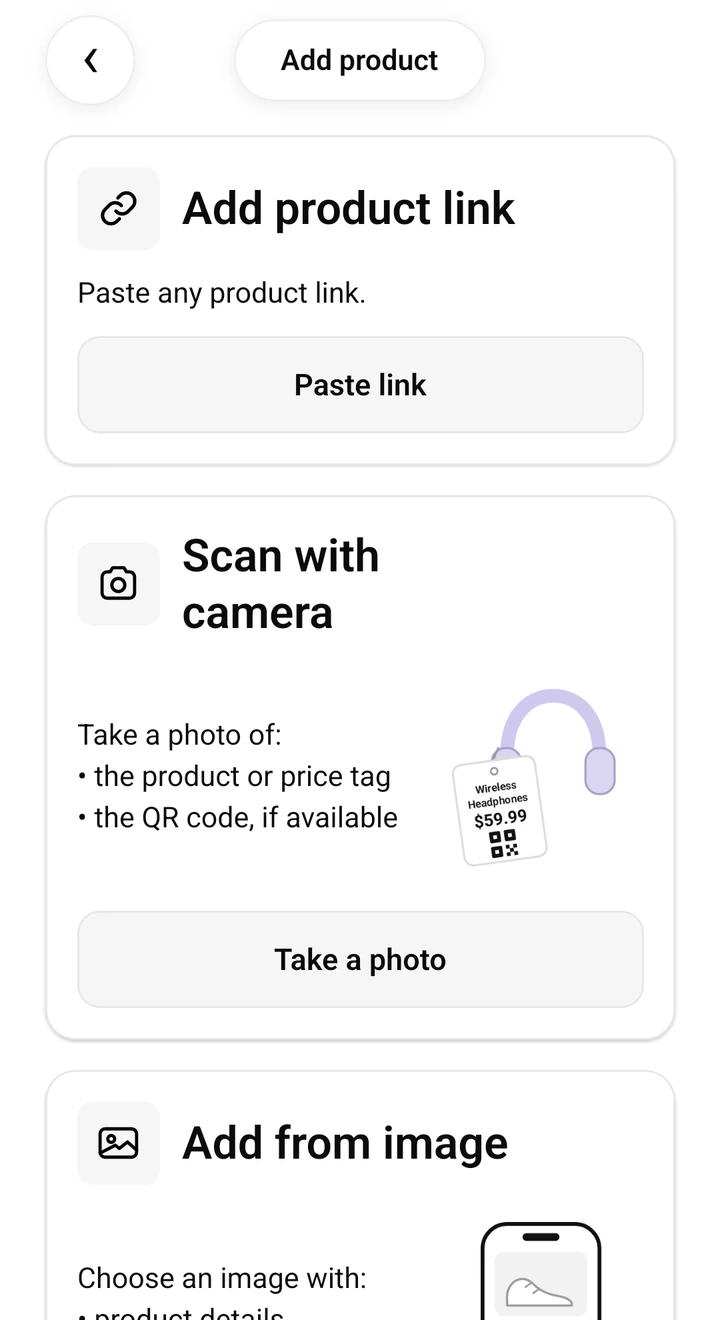
Send a public store link or a product screenshot to SendCart.
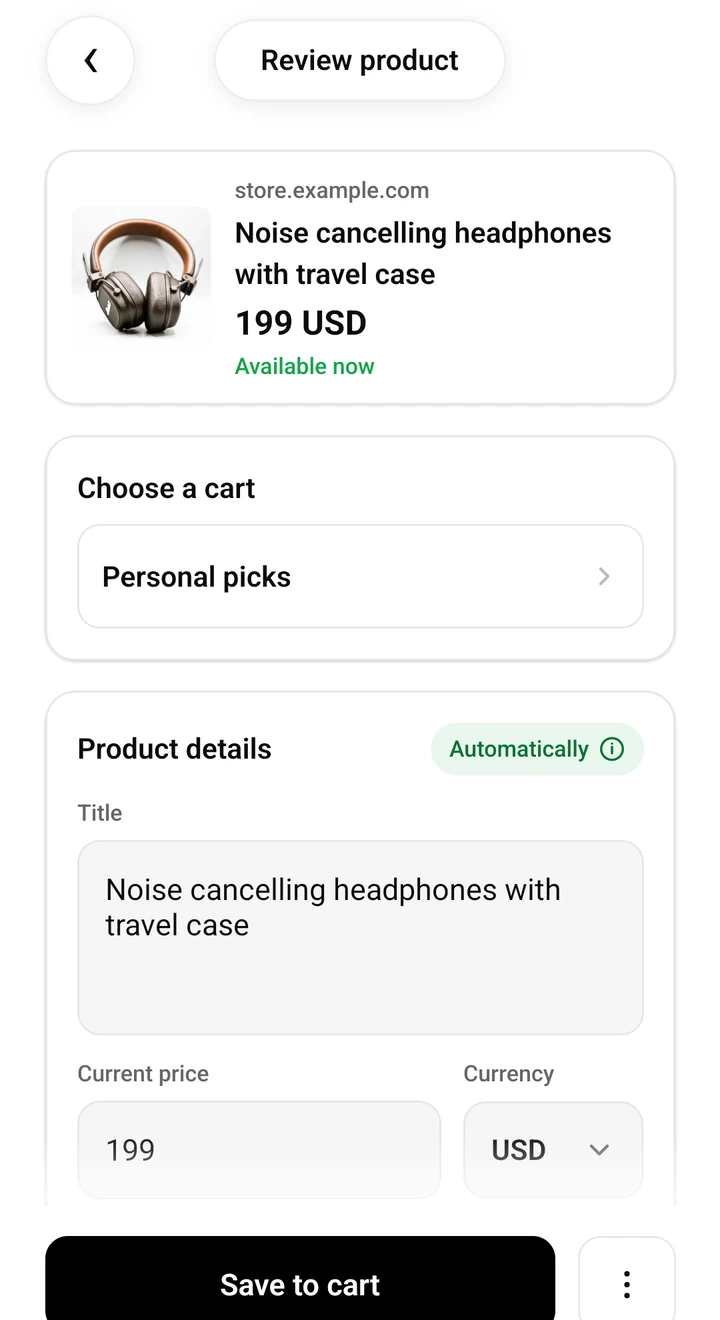
Review the detected title, store, and price, then enter your target price — tracking switches on automatically.
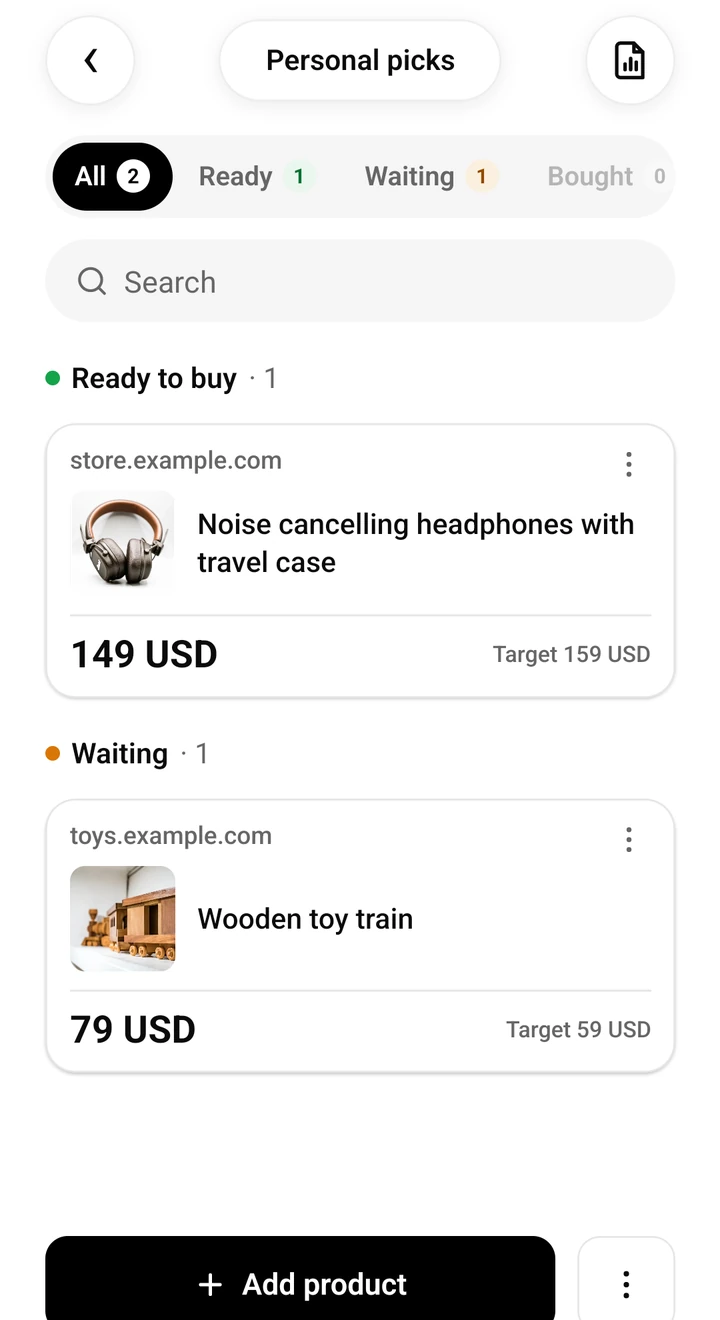
When the price drops or reaches your target, SendCart notifies you and the product moves to Ready to buy. You buy from the store.
Good to know
Tracking works with public product pages. A product saved from a screenshot without a link is kept, but its price is not tracked.
Prices come from the store's page on a schedule — about once a day on the free plan — and can lag.
Tracking needs a public link and your target price. Alerts arrive only after you allow notifications on your phone.
SendCart does not sell anything, does not hunt for coupons, and does not decide for you.
Always confirm the final price and availability with the retailer.
Three steps
Two steps are yours. After that, SendCart does the checking.
Share the link from your browser or a shopping app. No link? Save a screenshot.
Enter the amount you are willing to pay. Price tracking switches on automatically.
SendCart tells you when the price drops or reaches your target. You buy from the original store.
Decide without pressure
Price history, target price, store, notes, and purchase status stay with the product. You see how the price moved, not just a crossed-out old one. Close the tab — the context stays in SendCart.
Practical ways to keep track of things you want, prices you are waiting for, and gifts you are planning together.
SendCart for iOS, Android and Chrome
Free, and the app works without an account. Save a product, set your price, and know when to buy. SendCart is available on Google Play and the App Store, and on your computer as a Chrome extension.