
Plan a shared gift list without losing ideas in chat
Put gift ideas in a shared cart and invite the people planning with you. Each saved product keeps its store link and notes, so you can discuss the same item and record your decision before anyone places an order.
Build a list everyone can follow
Create a cart for the occasion
Choose a clear name, such as ‘Birthday ideas’ or ‘Gifts for the family’. A separate shared cart keeps those ideas apart from your personal shopping list.
Save ideas from the original stores
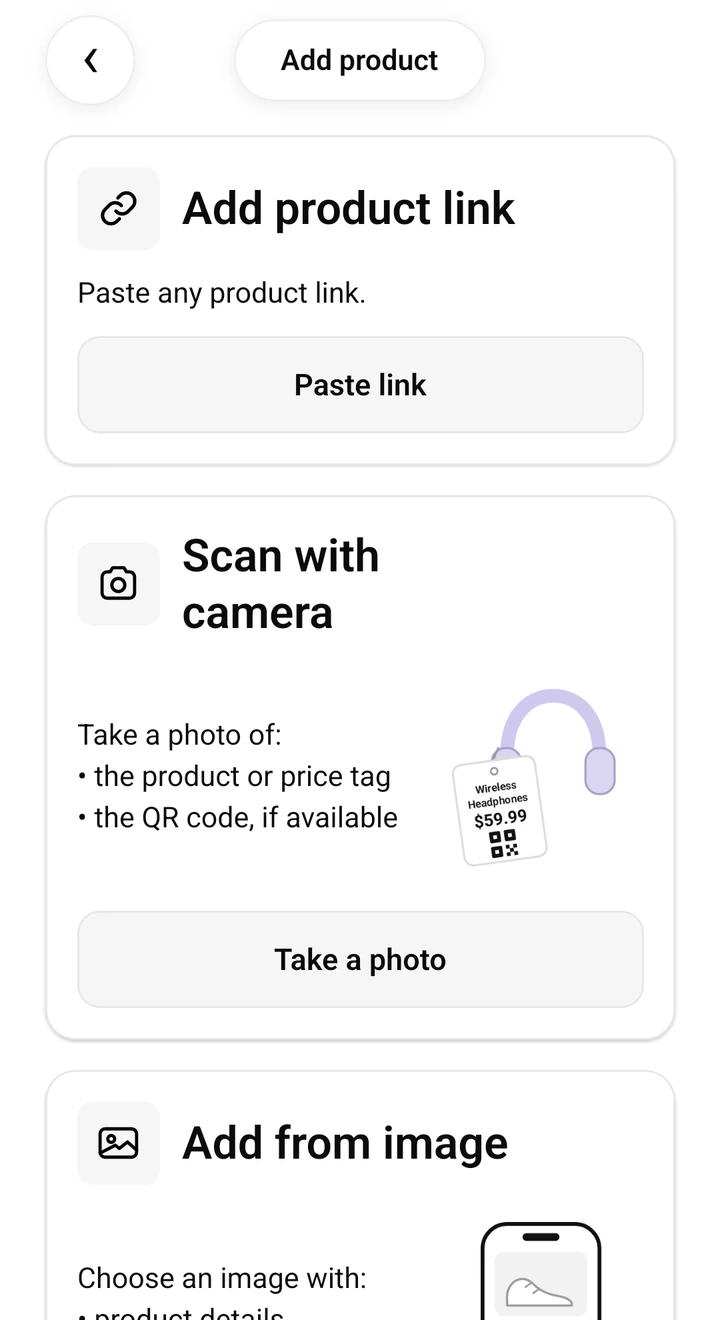
Share a product link or screenshot, check the detected details, and choose the shared cart. Keep the product URL when possible so another person can open the same item.
Invite the people who are planning
Share the invitation with the people you want in the cart. Check their roles so access fits what each person needs to do. SendCart supports owner, admin, member, and viewer roles; available actions depend on the role.
Record the agreement beside the item
Use notes for the intended recipient, size, colour, budget, or the person who has agreed to buy. After ordering from the retailer, update the product’s status so the rest of the group can see what happened.
Give the next person enough information
‘This one looks good’ is hard to act on once the link disappears up a chat. A note such as ‘blue, size M; Alex will order after we confirm’ keeps the choice and the next step with the actual product.
Before anyone buys, agree who is ordering and check the cart for recent changes. A shared list helps coordination, but it cannot prevent two people from ordering at the same time in separate stores.
Keep a surprise among the planners
Members can see the shared cart’s contents. If the gift is a surprise, keep the recipient out of the planning cart and share the invitation only with the people involved. Do not put payment information or other private details in product notes.
Before you rely on the list
- A shared cart is a planning list, not a combined checkout or payment pool. Each purchase happens at the original retailer.
- A person’s role and the current account limits determine which shared-cart actions are available.
- For automatic price tracking, each item needs a public product URL. A screenshot alone only saves the idea.
- An invitation gives access to shared information. Send it only to people you trust.
Keep your next find in SendCart
Available on iOS and Android, and on your computer as an extension for Chrome and Firefox. Save a product, check its details, and buy from the original retailer when you are ready.


